
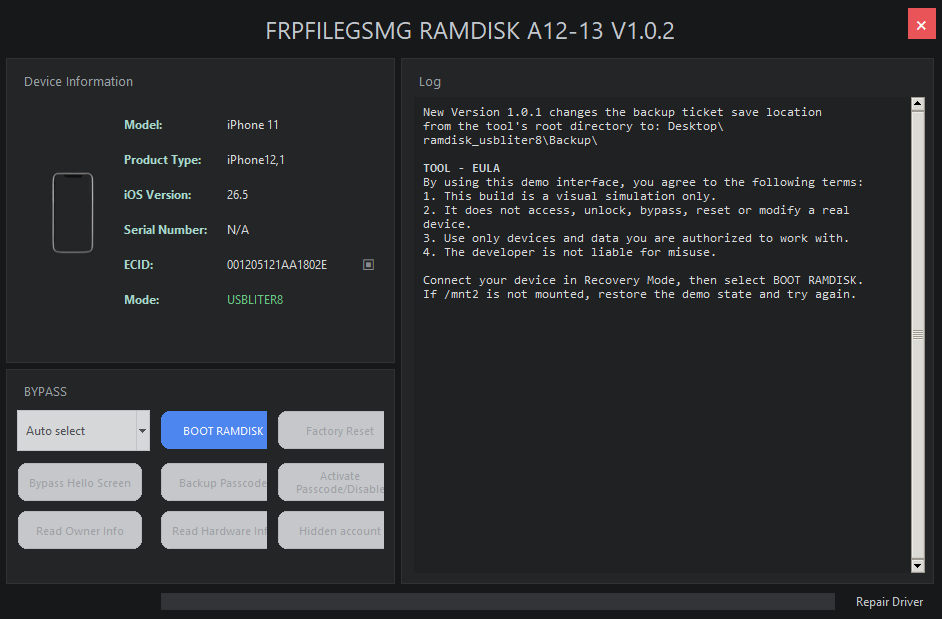
USBLITER8 A12/A13 RP2350 Pwn DFU Setup Guide
Learn how to set up USBLITER8 Pwn DFU for Apple A12 and A13 devices using a compatible RP2350 development board, the correct UF2 firmware and the FRPFileGSMG Tool. This guide covers supported devices, firmware flashing, hardware connections, device registration, GSMGermany credits, LED status and troubleshooting.
USBLITER8 Service Through GSMGermany
To use the USBLITER8 A12/A13 service, you need a supported RP2350 board and the latest version of the FRPFileGSMG Tool.
The Apple device must be registered inside the tool before processing. Service credits purchased through the GSMGermany registration or reseller link are assigned to GSMGermany.
USBLITER8 A12/A13 Requirements
Before starting the USBLITER8 RP2350 setup, make sure you have:
- A supported Apple A12, A12X, A12Z or A13 device
- A compatible RP2350 development board
- The USBLITER8 UF2 firmware matching your board
- The latest FRPFileGSMG Tool
- An active account with sufficient GSMGermany service credits
- A Lightning cable
- A Windows computer
- A data-capable USB cable for the RP2350 board
Supported USBLITER8 A12 and A13 Devices
USBLITER8 is designed for compatible Apple devices using A12 and A13-series processors.
- iPhone XR
- iPhone XS
- iPhone XS Max
- iPhone 11
- iPhone 11 Pro
- iPhone 11 Pro Max
- iPhone SE 2020 / 2nd Generation
- iPad 8th Generation
- iPad 9th Generation
- iPad Air 3
- iPad mini 5
- Compatible iPad Pro devices using A12X or A12Z
- Apple TV 4K 2nd Generation